Lift
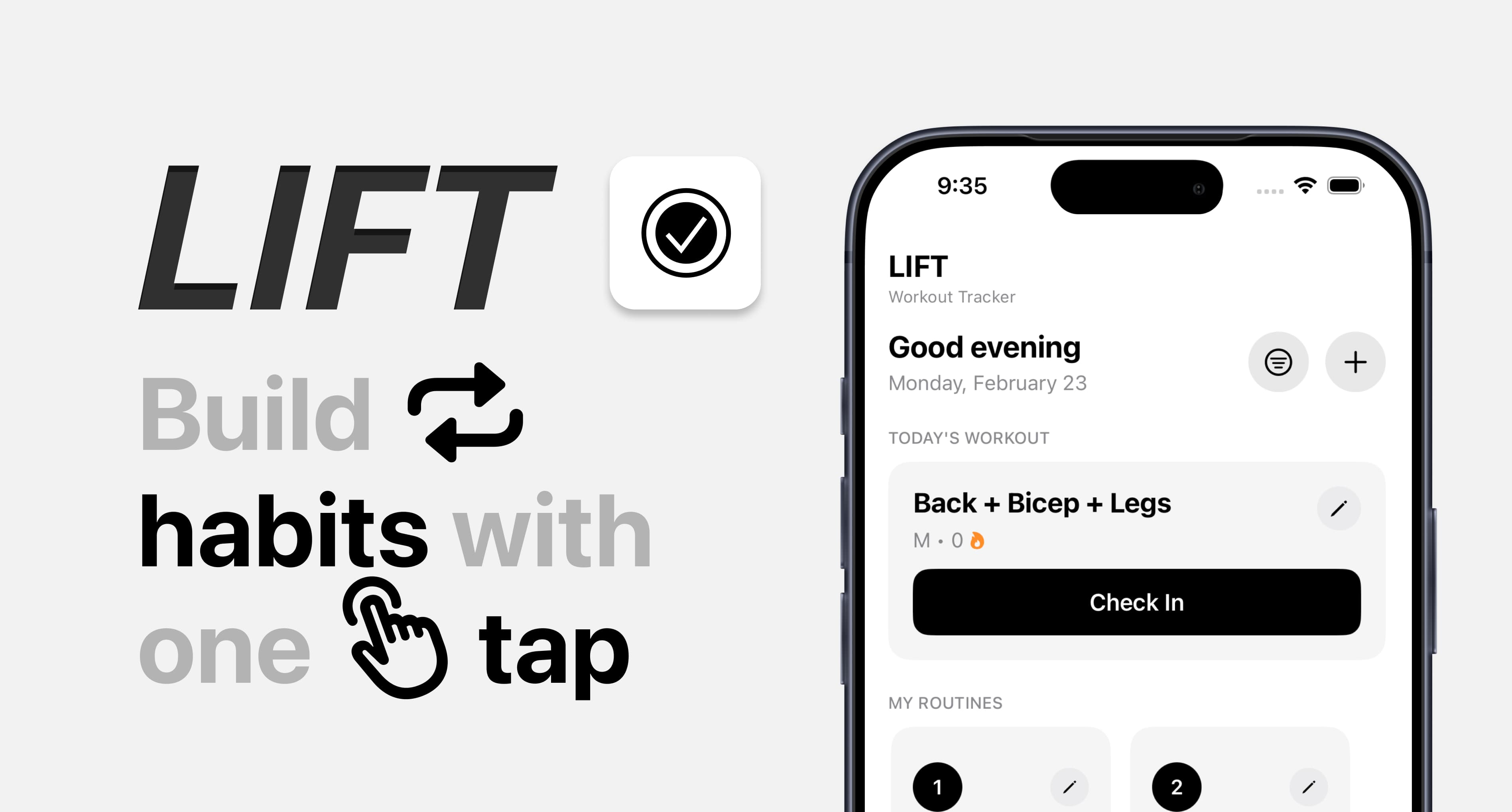
A workout tracker where logging a session takes one tap.
Team
Solo project
My role
iOS Development
Interaction Design
Tools
Figma
Xcode
SwiftUI
Duration
Personal project
Overview
Logging a workout should take one tap.
Lift is a minimal iOS tracker I designed in Figma and built in SwiftUI, around a single check-in flow.
Problem
Logging a workout shouldn't take longer than the decision to skip it.
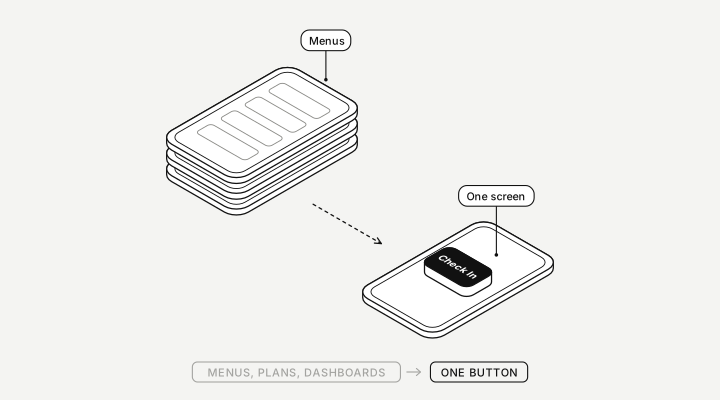
Workout apps tend to open on dashboards, plans and menus. I wanted the habit to come down to one obvious button.
Approach
Design around one action.
Every screen serves checking in. Routines, records and stats sit one tap away instead of crowding the home screen.
Design decisions
One-tap check-in
Today's workout and the Check In button are the first thing you see.
Streaks you can see
Current streak, this week and best streak, right on home.
No accounts, no backend
A local JSON store keeps it fast and private.
Challenges
Saying no to features.
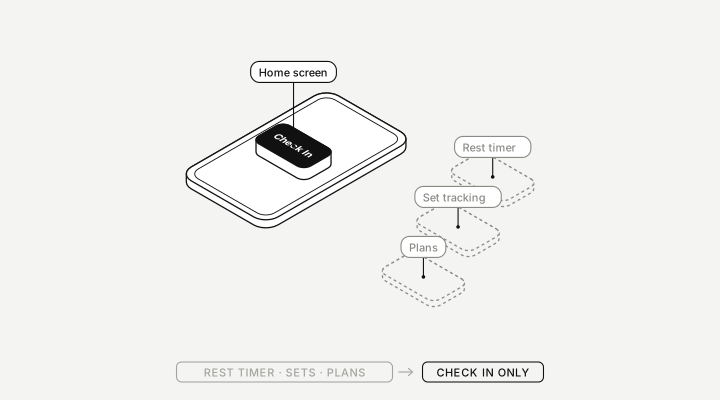
Rest timers, set tracking and plans all belong in a workout app, but each one would push Check In further down the screen. I kept them off the home screen.
Result
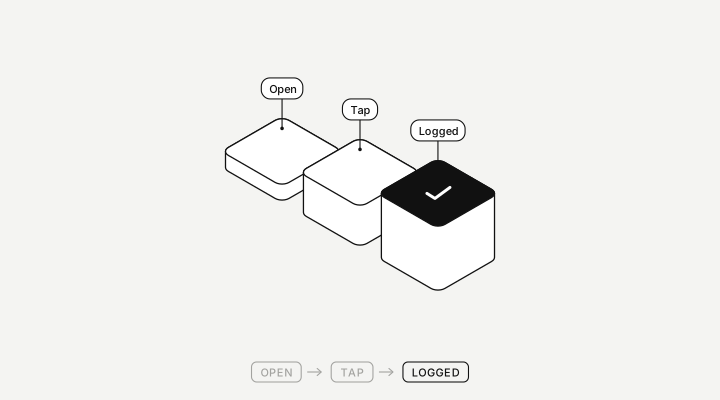
One tap from launch to logged.
No sign-in and no menus: open the app and Check In is the first thing on screen. Streaks and history update the moment you tap.
What I learned
Structuring UI components in SwiftUI, designing a flow around one core action instead of a feature list, and keeping a system small so it stays usable.
Next steps
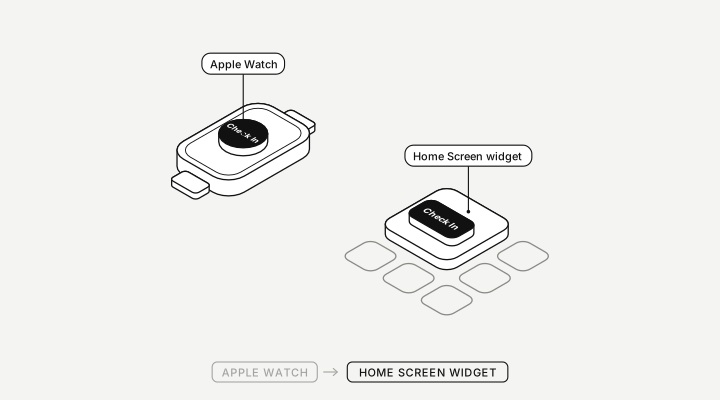
Take check-in beyond the app.
An Apple Watch check-in and a Home Screen widget, so logging a session doesn't even need opening Lift.